Raindrop Plinko
Unity 2D • Physics Simulation • Early Development Exploration
Summary
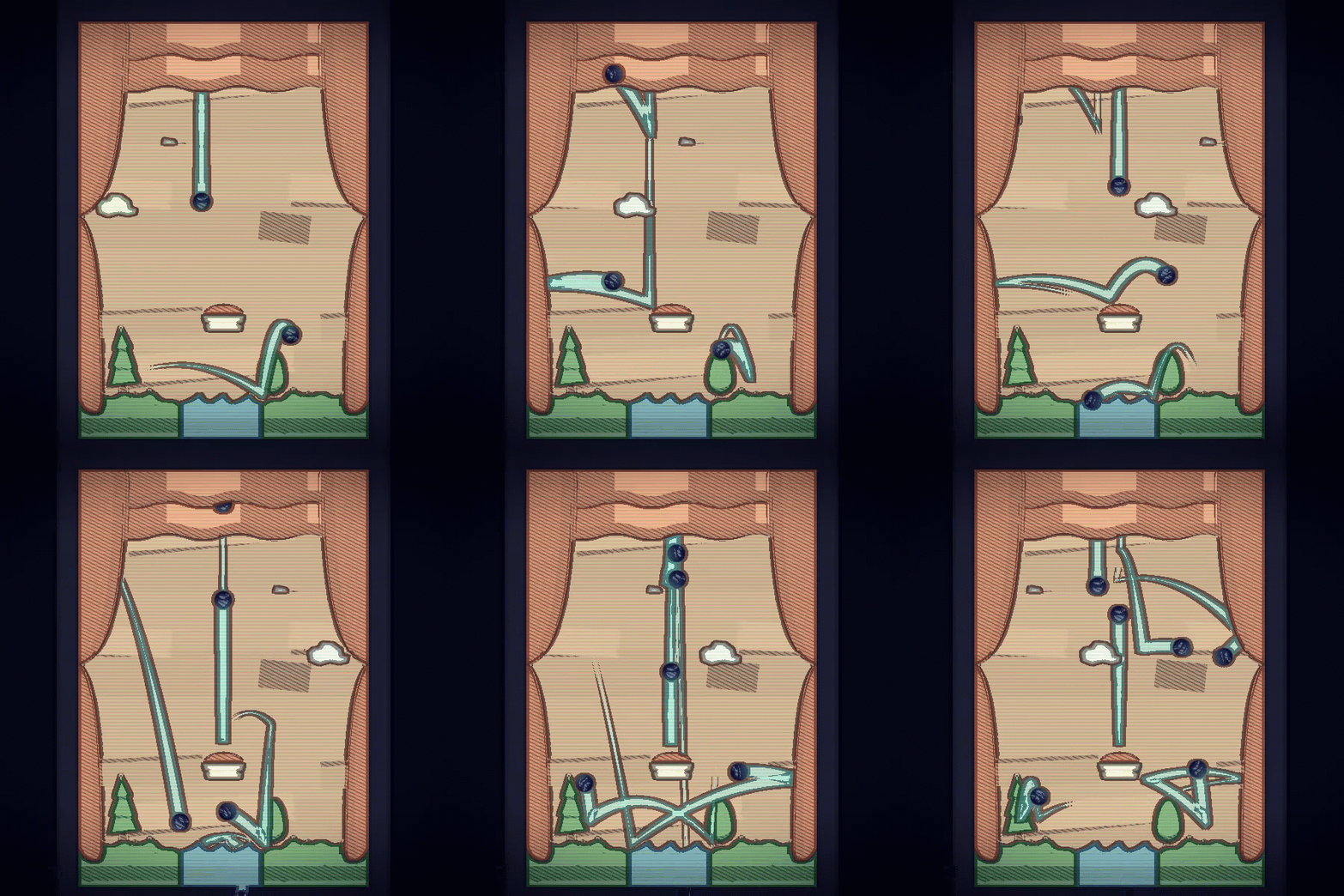
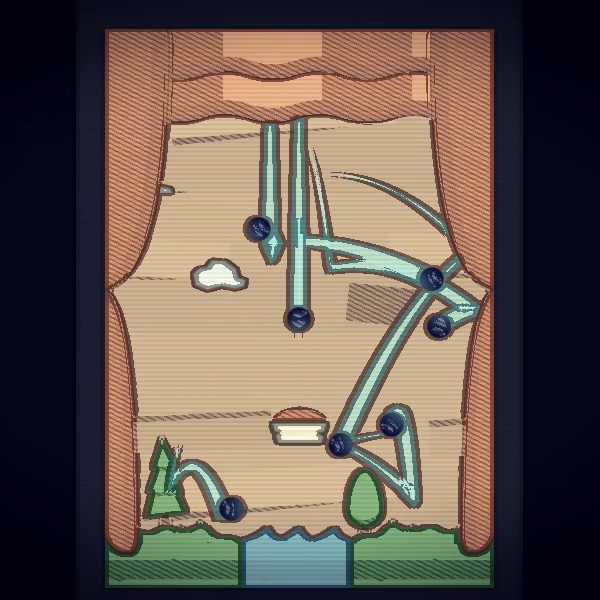
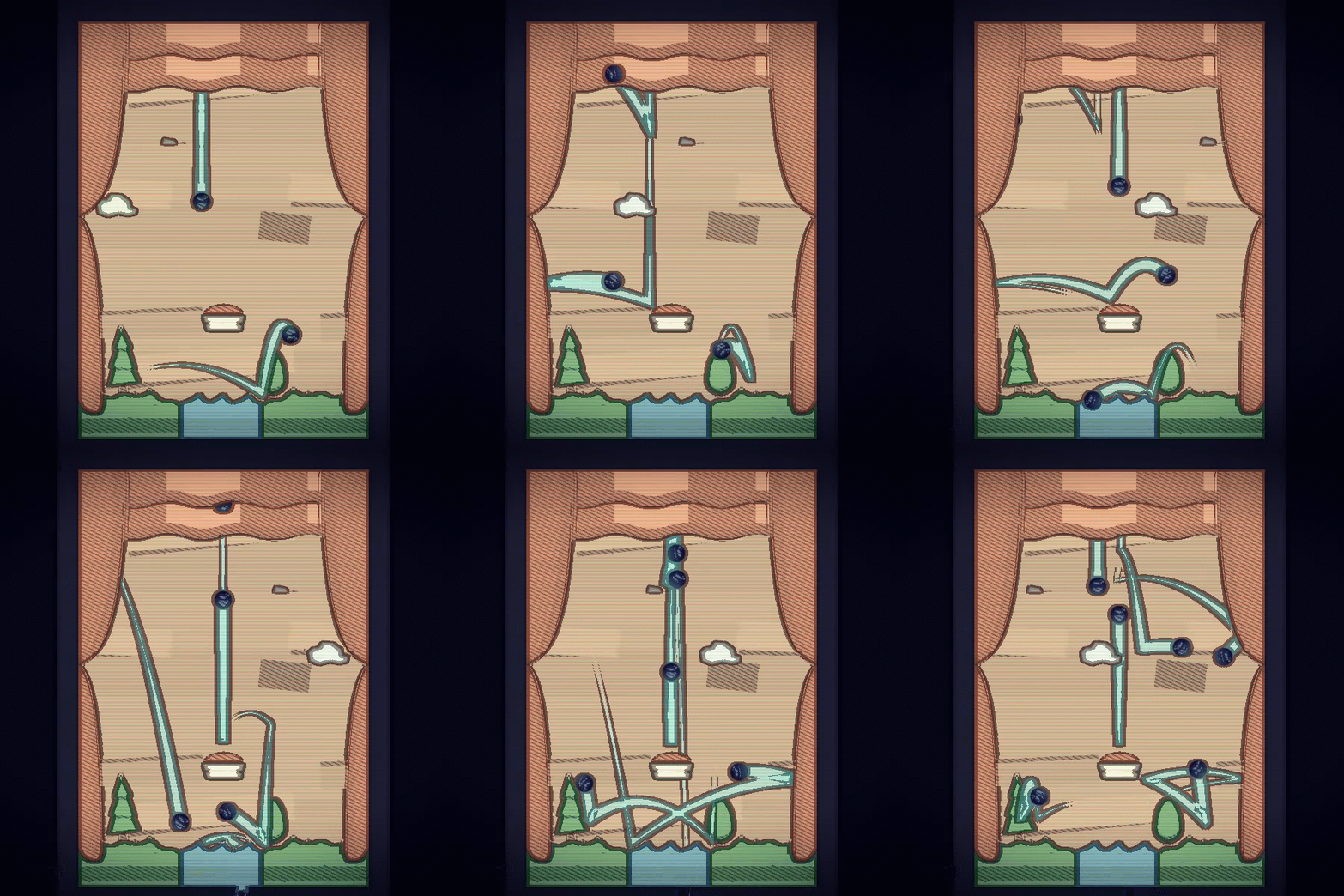
Raindrop Plinko was a small but significant milestone in my early game-development journey. Created as part of my introduction to Unity 2D, this project helped me understand the fundamentals of 2D collisions, rigidbodies, colliders, and physics behaviors inside the engine. While simple in nature, it served as an important hands-on sandbox for learning how objects interact, bounce, fall, and respond to gravity in a controlled environment.
Inspired by the classic Plinko game, the player drops “raindrops” onto a board filled with pegs, allowing gravity and physics forces to guide their unpredictable descent. The joy of the project came from watching the randomness of each drop and gaining a new appreciation for how small changes in collider sizes, physics materials, or force values could meaningfully alter the entire experience.
It was also my first time using the Unity Asset Store, learning how to incorporate third-party assets, manage sprite imports, and work within a proper Unity project structure. This early exposure helped build foundational skills I would later rely on throughout my career.
Project Overview
Raindrop Plinko was created during a period where I was rapidly exploring new tools and engines. After working extensively in Processing, transitioning into Unity 2D opened up an entirely new world of development possibilities.
Key project goals included:
Learn the Unity 2D physics system (rigidbodies, colliders, gravity scaling, physics materials)
Experiment with particle-like behavior using discrete raindrop objects
Understand how impacts, friction, and bounciness affect movement
Gain experience structuring a Unity project with scenes, prefabs, and scripts
Learn how to import and configure Asset Store packages for the first time
Create a visually calming and satisfying simulation through simple interactive rules
While small in scope, Raindrop Plinko laid the groundwork for future physics-driven and Unity-based projects.
Tools Used
Unity 2D — physics simulation, prefabs, collision systems
C# — scripting raindrop behavior and spawn logic
Unity Asset Store — importing and modifying third-party assets
Photoshop — minor sprite adjustments and UI polish
What I Worked On
Programming & Systems
Programmed falling “raindrop” behavior using Rigidbody2D physics
Set up collider shapes for pegs and boundaries to influence randomized motion
Created scripts to instantiate raindrops and manage continuous spawning
Tuned physics materials to achieve specific bounciness and friction profiles
Art & Assets
Incorporated Unity Asset Store elements for the first time
Customized imported assets, learning about slicing, sprite settings, and compression
Created simple UI and visual layout to make the simulation aesthetically pleasing
Unity 2D Development
Learned how to configure 2D sprites, layering, sorting orders, and camera settings
First experience building and organizing a full Unity scene
Worked with prefabs to create reusable drop objects and peg layouts
Explored how modifying scale, collider radius, mass, or gravity dynamically affected gameplay
What I Learned
This project strengthened early foundational skills, including:
Confidence using Unity 2D physics for the first time
Understanding the relationship between code-driven behavior and engine-driven physics
Working with prefabs and reusable asset structures
How to troubleshoot collider issues, jittering, clipping, and inconsistent bounces
First experience with the Unity Asset Store, including licensing, file structure, and importing
Comfort navigating a full Unity workflow after coming from Processing
Personal Reflection
Raindrop Plinko holds a warm place in my early development history, even if it’s a tiny project. At the time, transitioning from Processing to Unity felt intimidating — suddenly I had an engine full of components, inspectors, new workflows, and an entirely different way of thinking about game logic. This small simulation became the stepping stone that helped me realize I could learn Unity, and that I enjoyed the power the engine provided.
Watching the raindrops tumble in unpredictable ways sparked a new excitement for physics-driven design and encouraged me to keep experimenting. It was also the project where I first discovered the Unity Asset Store and learned how to integrate and modify external assets — something that became essential later in my professional work.
While simple, Raindrop Plinko represents an important moment of growth. It’s the project that made Unity feel approachable, and the one that encouraged me to keep building bigger and better things.